
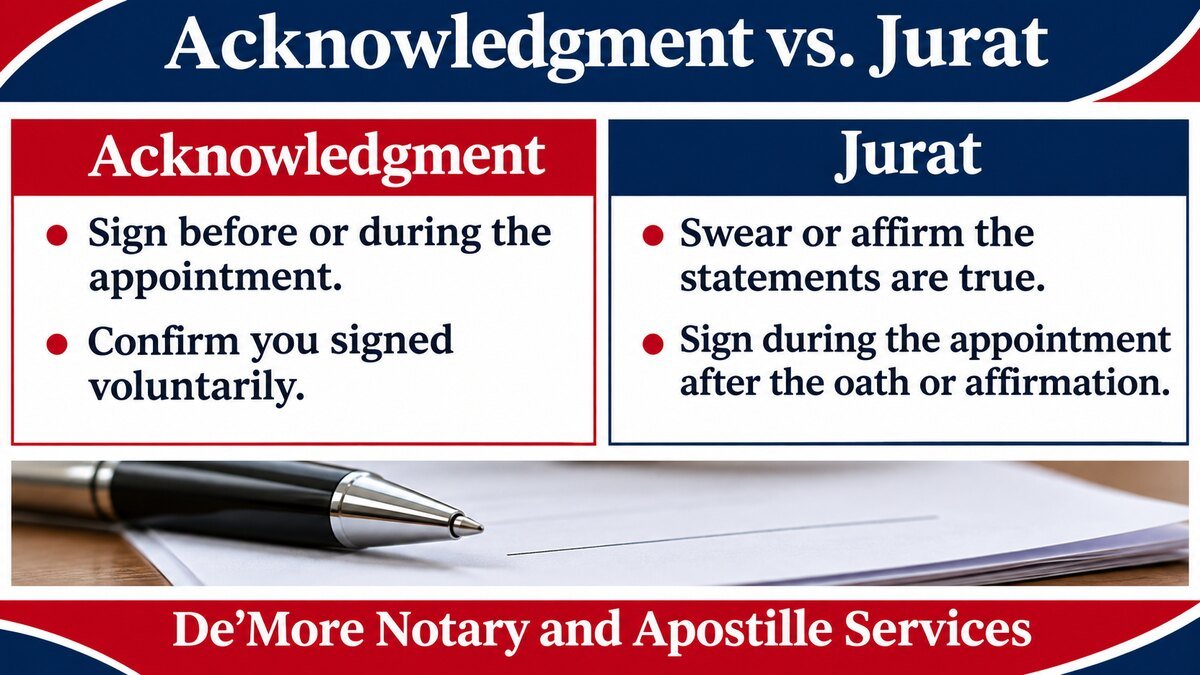
You’ve been asked to get a document notarized. Should you sign it now or wait until your appointment? In Texas, that depends on whether the document calls for an acknowledgment or a jurat. Here’s how each works and what to do before you meet with a notary.
What Is an Acknowledgment?
An acknowledgment is when you appear before a notary and confirm that you voluntarily signed the document. In Texas, you may sign the document before the appointment or during it. If you already signed, you still need to appear before the notary, who verifies your identity and takes your acknowledgment.
Look for certificate wording such as “Acknowledged before me.” For example, if a document calls for an acknowledgment and you signed it yesterday, you can bring it to your appointment and acknowledge your signature.
What Is a Jurat?
A jurat requires you to swear or affirm that the statements in the document are true. The notary administers the oath or affirmation, and you then sign in the notary’s presence. If you’re completing a Texas remote online jurat, you sign during the online session.
Look for certificate wording such as “Sworn to and subscribed before me.” If you’re bringing an affidavit that requires a jurat, fill in the information you’re responsible for and leave the signature line unsigned until the notary directs you to sign.
Acknowledgment vs. Jurat at a Glance
| What to check | Acknowledgment | Jurat |
|---|---|---|
| What you confirm | You signed the document voluntarily | You swear or affirm that the statements are true |
| When you sign | Before or during the appointment | During the appointment, after the oath or affirmation |
| Do you appear before the notary? | Yes | Yes |
| Is an oath or affirmation required? | No | Yes |
Notary Do’s and Don’ts for Your Appointment
- Do bring the complete document and have your identification ready. For an online appointment, check your camera, microphone, and internet connection ahead of time.
- Do check the certificate wording before you sign. If it calls for a jurat, leave the signature line blank until the appointment. If you already signed, tell the notary so they can guide you through the signing step.
- Don’t ask someone else to appear in your place. The signer appears in person for a traditional notarization or by live two-way audio and video for a Texas remote online notarization.
What If the Document Doesn’t Say Which One You Need?
Ask the person or organization receiving your document which notarial certificate they require. If you need legal advice about the document, consult an attorney. A Texas notary who is not an attorney cannot choose the certificate for you.
Schedule Your Notary Appointment
De’More Notary and Apostille Services offers mobile notary appointments and remote online notarization. When you book, share whether your document calls for an acknowledgment or a jurat so you know what to have ready.
All services are by appointment only.